Scene 1 (0s)
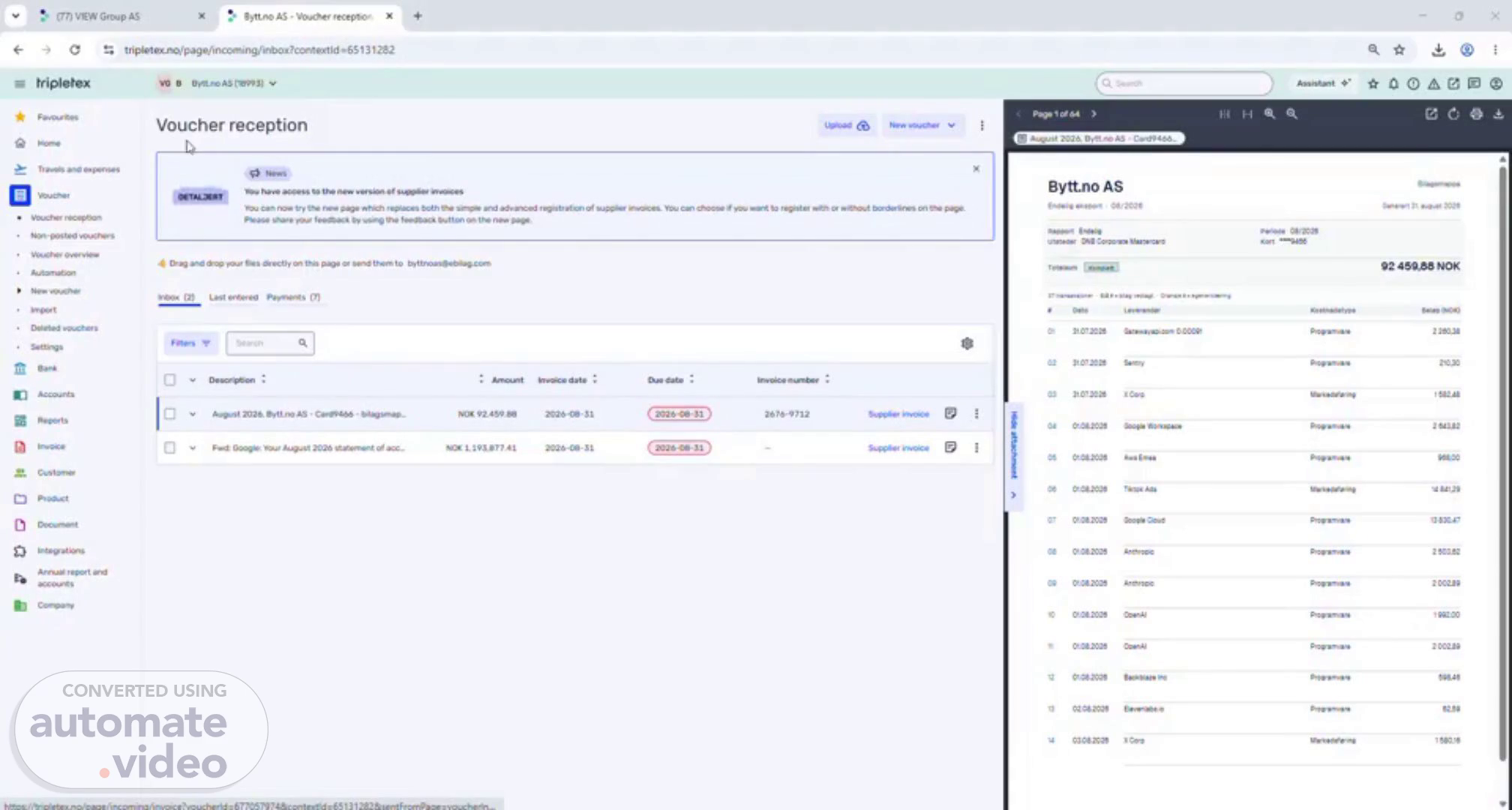
[Audio] Welcome everyone. Today, I will walk you through the Credit Card Payment Process for Bytt.no AS. This process begins when we receive the credit card statement and supporting documentation from Reception. The process concludes when all transactions are accurately validated and posted in Tripletex. The primary objective is to ensure that every credit card transaction is properly documented, correctly coded, reviewed, and recorded in the accounting system. Process Overview To improve efficiency and maintain consistency, I have created a predefined AI prompt. First, I open the Excel template and paste the predefined prompt. Next, I attach all supporting documents received for the credit card statement. Once the files are uploaded, I use Copilot to generate the required output file. After submitting the prompt and supporting documents, Copilot analyzes the information and prepares the output file based on the provided data. Validation in Tripletex Once the AI-generated file is ready, I navigate to: Tripletex → Vouchers → Import I then import the generated Excel file into Tripletex. After the import is completed, I carefully review all imported transactions. The key validation step is to ensure there are no errors, warnings, or red validation indicators. If all transactions are imported successfully without any issues, it confirms that the file is ready for posting. Completion Once the validation has been completed successfully, the voucher can be posted in Tripletex. This completes the Credit Card Payment Process for Bytt.no AS, ensuring that all transactions are accurately recorded and properly accounted for. Thank you for your time and attention. I hope this walkthrough has provided a clear understanding of the Credit Card Payment Process..