Microsoft PowerPoint - TIPS FOR TAKING GREAT PHOTOGRAPHS -(v.12DEC2025)
Scene 1 (0s)
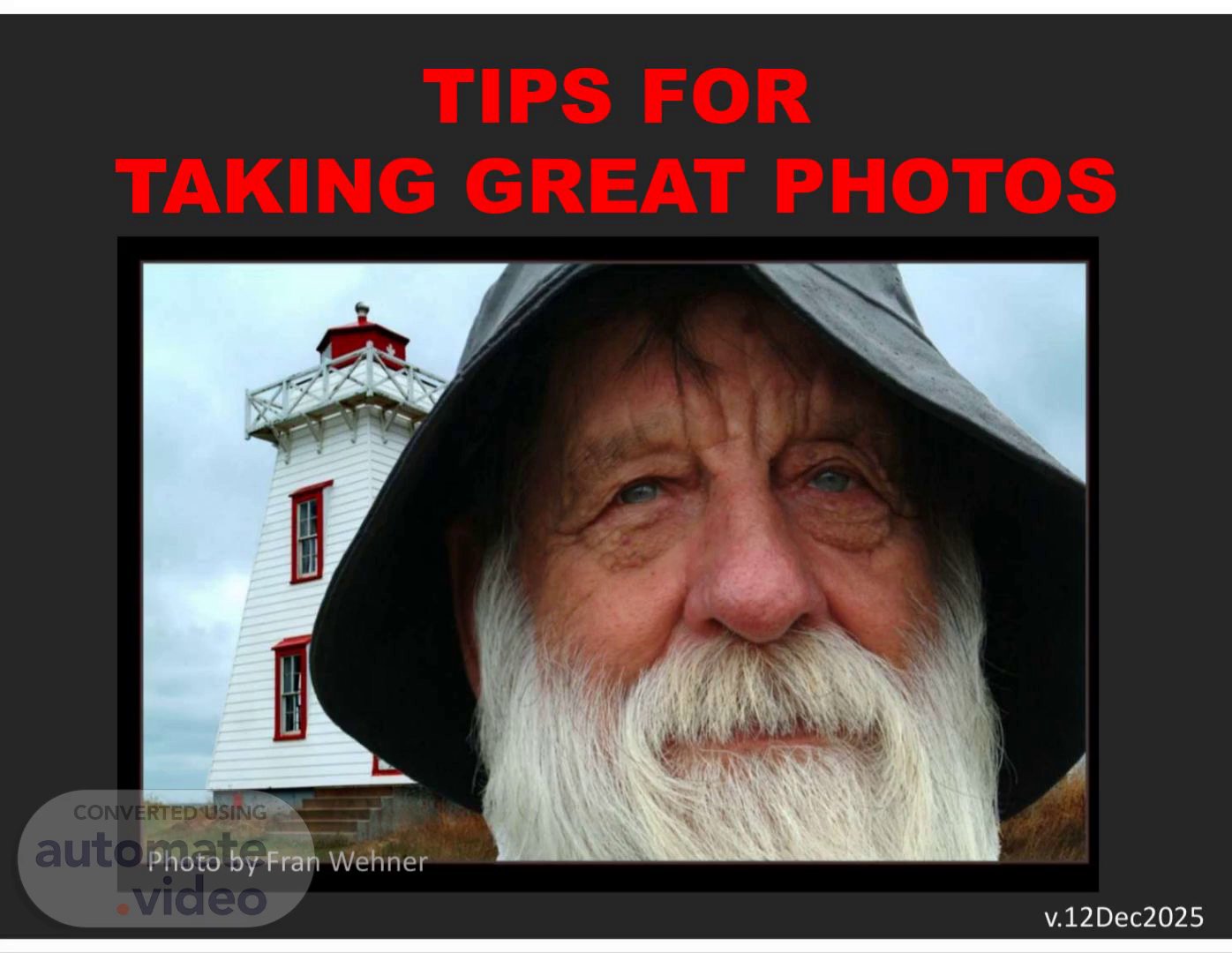
[Audio] TIPS FOR TAKING GREAT PHOTOS Photo by Fran Wehner v.12Dec2025.
Scene 2 (7s)
[Audio] This program is a presentation of the Photography club of Lawton, Oklahoma www.WichitaWildlight.org a member group of Lawton Arts for All, the organization dedicated to fostering the arts in Southwest Oklahoma www. LawtonArtsforAll.org.
Scene 3 (30s)
[Audio] With knowledge you can take great photos with ANY camera! "It's what's in your head, NOT what's in your hand.".
Scene 4 (40s)
Here are some tips to help you take better Photographs —phoio by John.
Scene 5 (47s)
[Audio] First,getdownonyoursubject'slevelphotobyJohnPowers.
Scene 6 (55s)
[Audio] Get lower for a different perspective photo by Clem Wehner.
Scene 7 (1m 1s)
[Audio] Don't shoot down on animals not this this Photos by Clem Wehner.
Scene 8 (1m 9s)
[Audio] Don't shoot down on people Move yourself down to their level. not this this photo by Clem Wehner photo by Clem Wehner.
Scene 9 (1m 18s)
[Audio] Use "Thirds" 1. Divide image (in viewfinder) into thirds each way. 2. Place center of interest at an intersection of lines. Tic-Tac-Toe grid.
Scene 10 (1m 30s)
[Audio] Position the subject using Thirds OK better photos by John Powers.
Scene 11 (1m 37s)
[Audio] Using Thirds OK Better photo by Clem Wehner photo by Clem Wehner Photos by Clem Wehner.
Scene 12 (1m 46s)
[Audio] Using Thirds Both good photo by Clem Wehner photo by John Powers.
Scene 13 (1m 53s)
[Audio] Not Thirds, but still good sometimes, the scene just looks better centered photo by John Powers photo by Clem Wehner.
Scene 14 (2m 4s)
[Audio] Plan placement of subject Leave room in front of moving subjects not this this photo by Clem Wehner photo by Clem Wehner.
Scene 15 (2m 14s)
[Audio] Plan placement of subject not this this photo by Clem Wehner photo by Clem Wehner.
Scene 16 (2m 23s)
[Audio] Don't crowd the edge not this this. Don’t crowd the edge not this this.
Scene 17 (2m 29s)
[Audio] Give the subject room to move not this this.
Scene 18 (2m 36s)
[Audio] Leave space in front of moving subjects not this this.
Scene 19 (2m 44s)
[Audio] If it's supposed to move, leave room not this this Photos by Clem Wehner.
Scene 20 (2m 52s)
[Audio] Watch for distractions Avoid branches, objects thru image, etc. not these this photos by Clem Wehner.
Scene 21 (3m 2s)
[Audio] Re-compose to eliminate distractions Move yourself to hide problems not this this photo by John Powers photo by John Powers.
Scene 22 (3m 14s)
[Audio] Recompose to eliminate distractions Try zooming in not this this photos by Clem Wehner.
Scene 23 (3m 22s)
[Audio] ZOOM IN TO ELIMINATE CLUTTER SNAPSHOT PORTRAIT Generally, the subject should fill about 60% of the scene.
Scene 24 (3m 30s)
[Audio] Beware of bright objects They draw attention away from the subject. Photos by John Powers.
Scene 25 (3m 39s)
[Audio] Try vertical and horizontal composition Pick the one you like best. photos by John Powers.
Scene 26 (3m 47s)
[Audio] Try vertical and horizontal composition photos by Clem Wehner.
Scene 27 (3m 54s)
[Audio] Compose to give a sense of scale Put something in the foreground. OK much better photos by John Powers.
Scene 28 (4m 3s)
[Audio] Compose to give a sense of scale BETTER. Compose to give a sense of scale BETTER.
Scene 29 (4m 9s)
[Audio] Use foreground objects to frame image OK Better Photos by Clem Wehner.
Scene 30 (4m 16s)
[Audio] Use foreground objects to add interest OK much better photos by John Powers.
Scene 31 (4m 24s)
[Audio] Use foreground objects to add interest Photos by Clem Wehner.
Scene 32 (4m 31s)
[Audio] Use foreground objects to show depth photo by Clem Wehner.
Scene 33 (4m 38s)
[Audio] Don't put the horizon in center not this this photos by John Powers.
Scene 34 (4m 46s)
[Audio] Put the horizon off center Upper third Centered this Not this Lower third Photos by John Powers.
Scene 35 (4m 53s)
[Audio] Put the horizon off center Photo by Michi White.
Scene 36 (5m 0s)
[Audio] Zoom in to eliminate clutter and distractions really distracting much better Photos by Clem Wehner.
Scene 37 (5m 8s)
[Audio] Zoom in to emphasize the subject. photos by John Powers.
Scene 38 (5m 16s)
[Audio] Try some UNUSUAL ANGLES for added interest photos by Fran Wehner.
Scene 39 (5m 23s)
[Audio] Use early and late sun for warm colors First and last two hours of the day are best photos by John Powers.
Scene 40 (5m 32s)
[Audio] Avoid clutter that detracts from the subject Not this. (what's the subject?) Better Photos by Fran Wehner.
Scene 41 (5m 41s)
[Audio] Small things make good subjects, too! Photo by John Powers Photos by Dawn Muncy.
Scene 42 (5m 49s)
[Audio] Parts of things can make good subjects Photos by Dawn Muncy.
Scene 43 (5m 56s)
[Audio] Open your eyes to the possibilities Photos by Dawn Muncy.
Scene 44 (6m 3s)
[Audio] Look for beauty in simple things photo by Clem Wehner photo by Fran Wehner.
Scene 45 (6m 11s)
[Audio] Simple beauty might be right at your feet Photo by Dawn Muncy.
Scene 46 (6m 19s)
[Audio] Simple things can make interesting photos Photos by Dawn Muncy.
Scene 47 (6m 26s)
[Audio] Try close-ups of unusual things photo by Fran Wehner.
Scene 48 (6m 33s)
[Audio] Try unusual close-ups photo by Clem Wehner.
Scene 49 (6m 40s)
[Audio] Zoom in to get special effects. Zoom in to get special effects.