Scene 1 (0s)
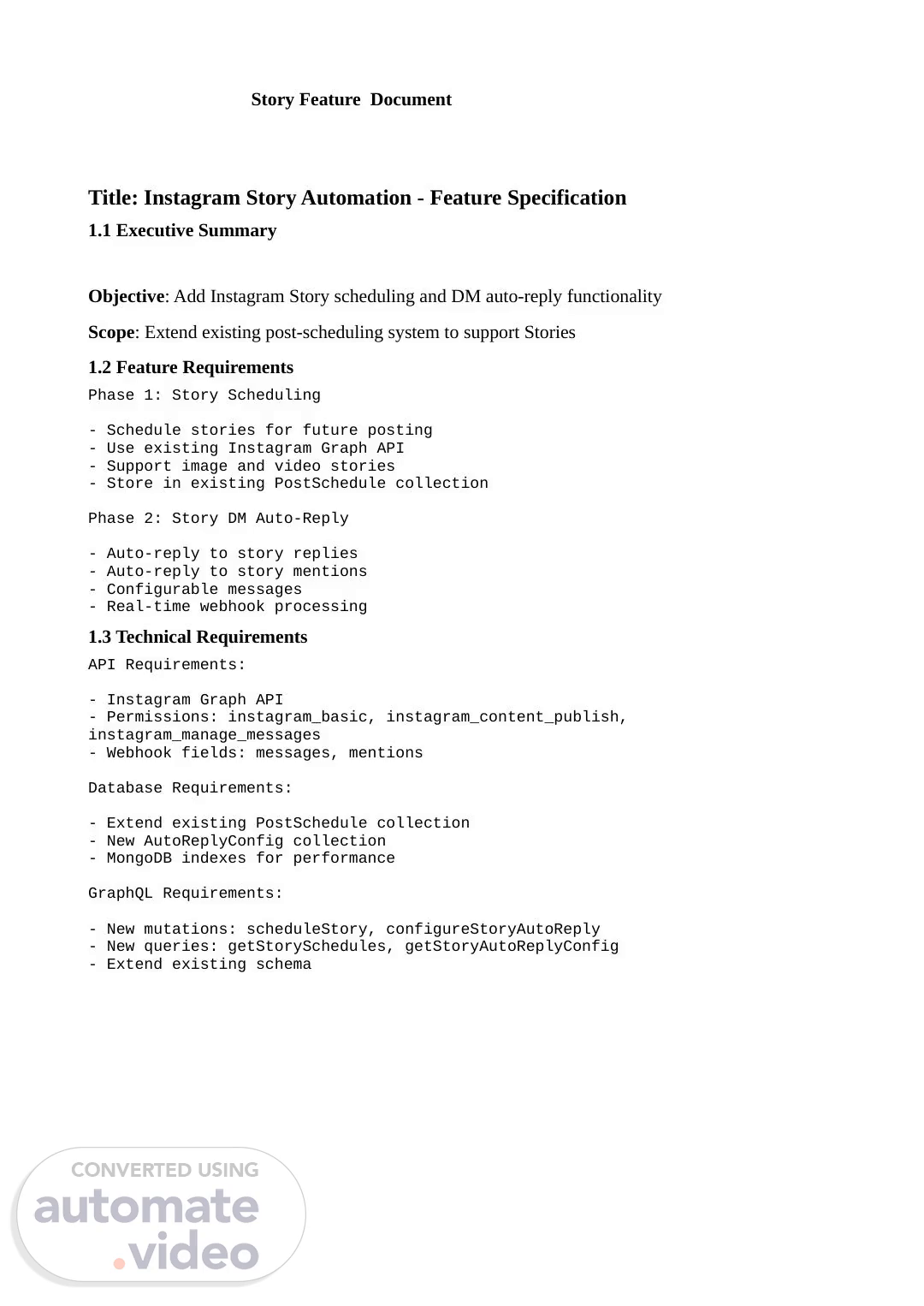
[Audio] Story Feature Document Title: Instagram Story Automation - Feature Specification 1.1 Executive Summary Objective: Add Instagram Story scheduling and DM auto-reply functionality Scope: Extend existing post-scheduling system to support Stories 1.2 Feature Requirements Phase 1: Story Scheduling - Schedule stories for future posting - Use existing Instagram Graph API - Support image and video stories - Store in existing PostSchedule collection Phase 2: Story DM Auto-Reply - Auto-reply to story replies - Auto-reply to story mentions - Configurable messages - Real-time webhook processing 1.3 Technical Requirements API Requirements: - Instagram Graph API - Permissions: instagram_basic, instagram_content_publish, instagram_manage_messages - Webhook fields: messages, mentions Database Requirements: - Extend existing PostSchedule collection - New AutoReplyConfig collection - MongoDB indexes for performance GraphQL Requirements: - New mutations: scheduleStory, configureStoryAutoReply - New queries: getStorySchedules, getStoryAutoReplyConfig - Extend existing schema.
Scene 2 (1m 29s)
[Audio] 2. Architecture Documentation Title: Instagram Story Automation - System Architecture 2.1 System Overview ┌─────────────────┐ ┌─────────────────┐ ┌─────────────────┐ │ Frontend │ │ GraphQL │ │ Services │ │ (Flutter) │── │ API Layer │── │ Layer │ ▶ ▶ │ │ │ │ │ │ │ - Story Upload │ │ - Resolvers │ │ - PostSchedule │ │ - Scheduling UI │ │ - Schema │ │ - AutoReply │ │ - Config Panel │ │ - Validation │ │ - Instagram API │ └─────────────────┘ └─────────────────┘ └─────────────────┘ │ ▼ ┌─────────────────┐ ┌─────────────────┐ ┌─────────────────┐ │ Instagram │ │ MongoDB │ │ Redis Cache │ │ Platform │ │ Database │ │ │ │ │ │ │ │ - Access Tokens │ │ - Story API │ │ - post_schedules│ │ - Config Cache │ │ - Webhooks │ │ - auto_reply_.
Scene 3 (2m 39s)
[Audio] Database Layer: - PostSchedule: Add STORIES support ( Already supported) ✅ - AutoReplyConfig: New collection - Indexes: creatorId, mediaType Webhook Layer: - Instagram Webhook: New endpoint - Story Reply Detection: reply_to.story detection - Auto-Reply Logic: Configurable messages 3. API Documentation Title: Instagram Story Automation - API Reference 3.1 GraphQL API Endpoints Story Scheduling Mutations # Schedule a Story mutation ScheduleStory($input: StoryScheduleInput!) } } # Input Variables } Story Scheduling Queries Graphql # Get Story Schedules query GetStorySchedules($creatorId: ID!, $page: Int, $limit: Int) { getStorySchedules(creatorId: $creatorId, page: $page, limit: $limit) { success totalCount.
Scene 4 (3m 42s)
[Audio] data } } } Auto-Reply Mutations Graphql # Configure Auto-Reply mutation ConfigureStoryAutoReply($input: AutoReplyInput!) } } # Input Variables } Auto-Reply Queries Graphql # Get Auto-Reply Config query GetStoryAutoReplyConfig($creatorId: ID!) { getStoryAutoReplyConfig(creatorId: $creatorId) { _id creatorId storyReplyEnabled storyReplyMessage storyMentionEnabled.
Scene 5 (4m 12s)
[Audio] storyMentionMessage createdAt updatedAt } } 3.2 Webhook API Endpoints Instagram Webhook # Webhook URL POST /webhook/instagram # Webhook Verification GET /webhook/instagram? hub.mode=subscribe&hub.verify_token=YOUR_TOKEN&hub.challenge=CHALLENGE_STRING # Story Reply Webhook Payload , "reply_to": }, "text": "Great story!", "timestamp": "2026-03-17T12:30:00Z" } }] }] } # Story Mention Webhook Payload , "text": "Thanks for the feature!", "timestamp": "2026-03-17T12:30:00Z" } }] }] } 3.3 Response Codes Success Responses:.
Scene 6 (5m 7s)
[Audio] - 200: Webhook processed successfully - 201: Story scheduled successfully - 200: Auto-reply config updated Error Responses: - 400: Invalid input parameters - 401: Authentication failed - 403: Forbidden (webhook verification failed) - 500: Internal server error 4. Database Schema Documentation Title: Instagram Story Automation - Database Design 4.1 Collections Overview PostSchedule Collection (Extended) // Existing collection with STORIES support , caption: String, instagramPostId: String, scheduleDate: Date, status: "PUBLISHED" | "SCHEDULED" | "FAILED", igContainerId: String, createdAt: Date, updatedAt: Date } AutoReplyConfig Collection (New) 4.2 Indexes // PostSchedule Indexes.
Scene 7 (6m 13s)
[Audio] db.post_schedules.createIndex() db.post_schedules.createIndex() db.post_schedules.createIndex() // AutoReplyConfig Indexes db.auto_reply_configs.createIndex(, ) 4.3 Data Relationships PostSchedule ←→ Creator (creatorId) PostSchedule ←→ User (userId) AutoReplyConfig ←→ Creator (creatorId) 5. Implementation Guide Title: Instagram Story Automation - Implementation Guide 5.1 Prerequisites Environment Setup: - Node.js 16+ - MongoDB 4.4+ - Redis 6.0+ - Instagram Graph API Required Permissions: - instagram_basic (already exists) ✅ - instagram_content_publish (already exists) ✅ - instagram_manage_messages (already exists) ✅ 5.2 File Structure Server-OneInfo/ ├── models/ │ ├── post-schedule.model.js ( Extend existing) ✅ │ └── auto-reply-config.model.js ( New) ✅ ├── services/ │ ├── post-schedule.service.js ( Extend existing) ✅ │ └── auto-reply.service.js ( New) ✅ ├── controllers/ │ └── webhook.controller.js ( Extend existing) ✅ ├── schemas/ │ ├── post-schedule.schema.js ( Extend existing) ✅ │ ├── auto-reply.schema.js ( New) ✅ │ └── story.schema.js ( New) ✅ ├── resolvers/ │ └── story.resolver.js ( New) ✅ └── routes/ └── webhook.js ( Add Instagram route) ✅ 5.3 Implementation Steps Phase 1: Story Scheduling 1. ✅ Add STORIES to mediaType enum (already exists).
Scene 8 (8m 35s)
[Audio] 2. Add scheduleStory() method to PostScheduleService ✅ 3. Add story types to GraphQL schema ✅ 4. Add story resolver ✅ 5. Test story scheduling ✅ Phase 2: Auto-Reply 1. Create AutoReplyConfig model ✅ 2. Create AutoReplyService ✅ 3. Add Instagram webhook handler ✅ 4. Add auto-reply GraphQL schema ✅ 5. Test webhook and auto-reply ✅ Phase 3: Integration 1. Update schema index ✅ 2. Update resolver index ✅ 3. Add webhook route ✅ 4. Configure Meta webhooks ✅ 5. End-to-end testing ✅ 6. Testing Documentation Title: Instagram Story Automation - Testing Guide 6.1 Unit Tests // Story Scheduling Tests describe('PostScheduleService.scheduleStory', () => ; const result = await postScheduleService.scheduleStory(input); expect(result.mediaType).toBe('STORIES'); expect(result.status).toBe('PUBLISHED'); }); }); // Auto-Reply Tests describe('AutoReplyService', () => ); }); 6.2 Integration Tests // GraphQL Integration Tests describe('Story GraphQL API', () => { test('scheduleStory mutation', async () => { const mutation = ` mutation { scheduleStory(input: {.
Scene 9 (10m 16s)
[Audio] creatorId: "123", imageUrl: "https://test.jpg" }) } } `; const result = await graphql(mutation); expect(result.data.scheduleStory.success).toBe(true); }); }); 6.3 End-to-End Tests Story Scheduling E2E: 1. Login to app 2. Navigate to story scheduling 3. Upload story image 4. Set caption and schedule time 5. Submit form 6. Verify story appears on Instagram 7. Verify story saved in database Auto-Reply E2E: 1. Configure auto-reply settings 2. Post a story on Instagram 3. Reply to story from different account 4. Verify auto-reply sent 5. Check webhook logs 6. Verify analytics recorded 7. User Documentation Title: Instagram Story Automation - User Guide 7.1 Getting Started Prerequisites: - Instagram Business or Creator account - Connected to your app - Active subscription Steps: 1. Connect Instagram account 2. Grant necessary permissions 3. Configure story settings 4. Start scheduling stories 7.2 Story Scheduling How to Schedule a Story: 1. Navigate to "Story Scheduling" 2. Upload image or video 3. Add caption (optional) 4. Set schedule time 5. Click "Schedule Story".
Scene 10 (11m 57s)
[Audio] 6. Monitor status in dashboard Features: - Support for images and videos - Caption with hashtags - Scheduled publishing - Status tracking 7.3 Auto-Reply Configuration How to Configure Auto-Reply: 1. Navigate to "Auto-Reply Settings" 2. Enable/disable story replies 3. Customize reply message 4. Enable/disable story mentions 5. Customize mention message 6. Save settings Features: - Configurable messages - Enable/disable options - Real-time updates - Analytics tracking.