Scene 1 (0s)
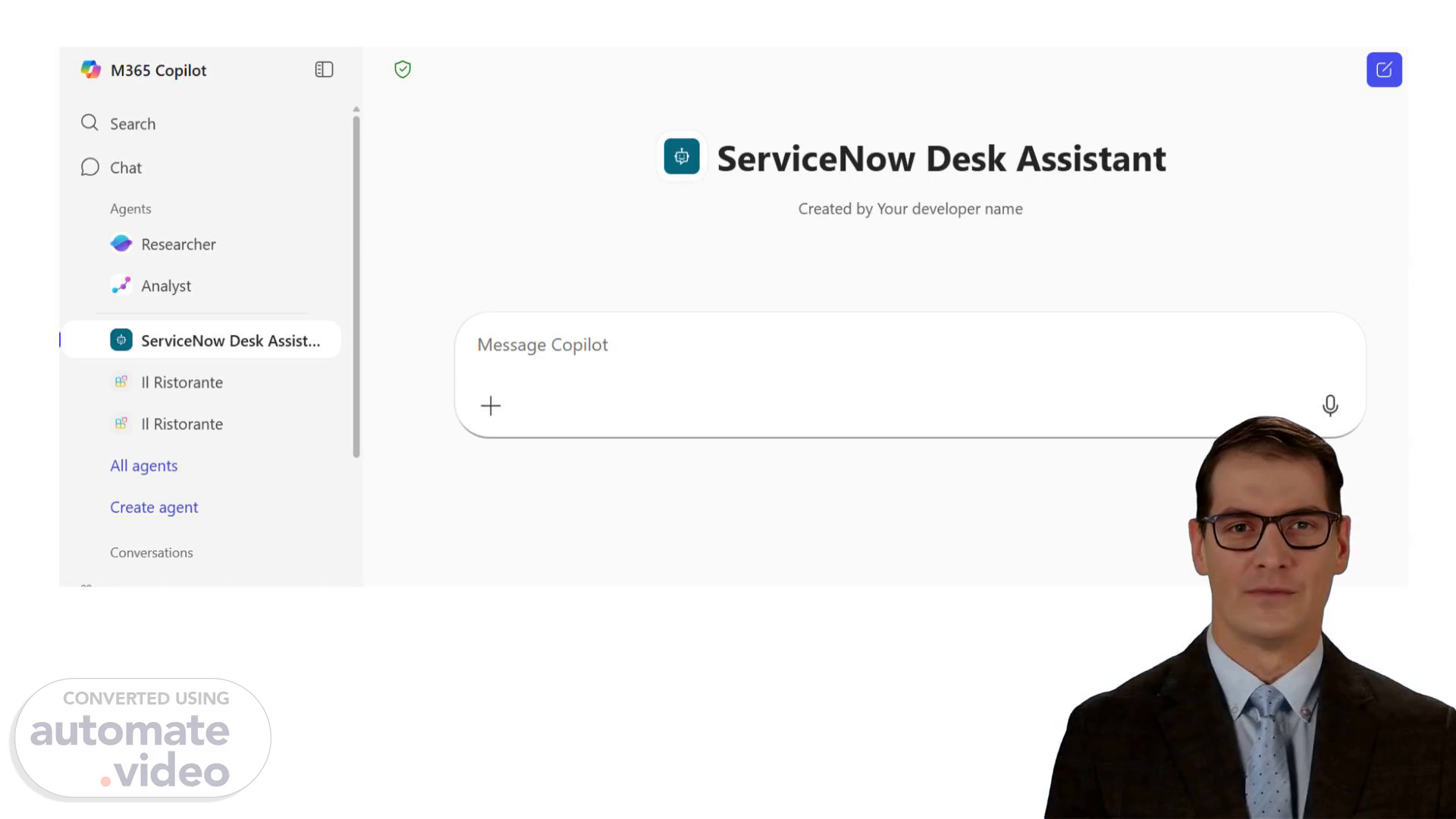
[Virtual Presenter] The voiceover script for the first slide could be: "Imagine having a personal assistant that can help you with all your IT-related tasks. That's exactly what the Snow Desk Agent offers. With its intuitive interface, you can quickly find answers to your questions, track updates on your tickets, and even interact with ServiceNow in a more efficient way." This service provides users with a personalized experience tailored to their specific needs. The user interface is designed to be easy to use, allowing users to navigate through various features and functions with ease. The Snow Desk Agent is an innovative solution that streamlines IT operations by automating routine tasks and providing real-time support. By integrating with ServiceNow, it enables users to access a wide range of tools and resources, making it easier to manage IT services. The benefits of using the Snow Desk Agent include improved productivity, reduced errors, and enhanced collaboration among team members. Users can also expect faster resolution times for IT issues, thanks to the agent's ability to automate routine tasks and provide real-time support. Overall, the Snow Desk Agent is a powerful tool that can help organizations improve their IT operations and increase efficiency. Its intuitive interface and automation capabilities make it an ideal choice for businesses looking to streamline their IT services..
Scene 2 (1m 40s)
[Audio] The Snow Desk Agent provides a virtual help desk experience where users can ask questions, receive answers, and take actions all within one platform. This tool aims to save time and simplify IT support interactions..
Scene 3 (1m 58s)
[Audio] The Desk Agent provides instant updates on ticket status, including priority and assigned personnel, eliminating the need to log into ServiceNow. This feature allows users to stay informed about their tickets without having to navigate through the ServiceNow platform..
Scene 4 (2m 15s)
[Audio] The user wants to know how to use the SNOW Desk Agent. How do I use the SNOW Desk Agent? To access the SNOW Desk Agent, simply click on the "SNOW Desk Agent" button on the dashboard. Once you have clicked on it, you will be taken to a new page where you can view work notes, recent updates, and SLA information. From there, you can select any of these options to get more detailed information..
Scene 5 (2m 43s)
[Audio] The Desk Agent is designed to assist users with their IT support needs, providing quick answers and taking action in one place. It uses natural language processing to understand user queries and respond accordingly. The agent can be accessed through various interfaces, including chat, search, and messaging, making it easy for users to get the help they need. The Desk Agent's goal is to save time and make IT support feel effortless..
Scene 6 (3m 12s)
[Audio] The user can interact with the Snow Desk Agent using various methods including chat, search, and messaging. The agent provides suggestions for simple fixes to common problems, helping to resolve issues more quickly and reducing the need for new tickets. The agent offers real-time updates on ticket status, priority, and assigned personnel, streamlining the process of managing IT support requests. The agent allows users to view work notes, recent updates, and SLA information, facilitating informed decision-making and efficient issue resolution..
Scene 7 (3m 49s)
[Audio] The Desk Agent can create tickets automatically if the issue still needs support, gathering the necessary details and raising the ticket with minimal effort from the user..
Scene 8 (4m 1s)
[Audio] The IT department has been working on resolving the issue with the network connection problem. They have identified the root cause as a faulty cable, which they are currently replacing. The replacement process is taking longer than expected due to unforeseen issues with the new equipment. The IT team is doing their best to resolve the issue as quickly as possible. However, the delay is causing inconvenience to many users. The IT department is committed to providing excellent customer service and ensuring that all incidents are resolved efficiently..
Scene 9 (4m 36s)
[Audio] The Desk Agent is a tool that allows users to manage incidents efficiently. By using this tool, users can update incidents by adding comments, sharing new information, or confirming resolution. The Desk Agent ensures that all updates are reflected in ServiceNow, providing a seamless experience for users. This feature enables users to work more effectively, streamlining their workflow and improving productivity. The Desk Agent also provides real-time visibility into incident status, allowing users to track progress and make informed decisions. With its intuitive interface and automated workflows, the Desk Agent simplifies the process of managing incidents, making it easier for users to resolve issues quickly and efficiently..