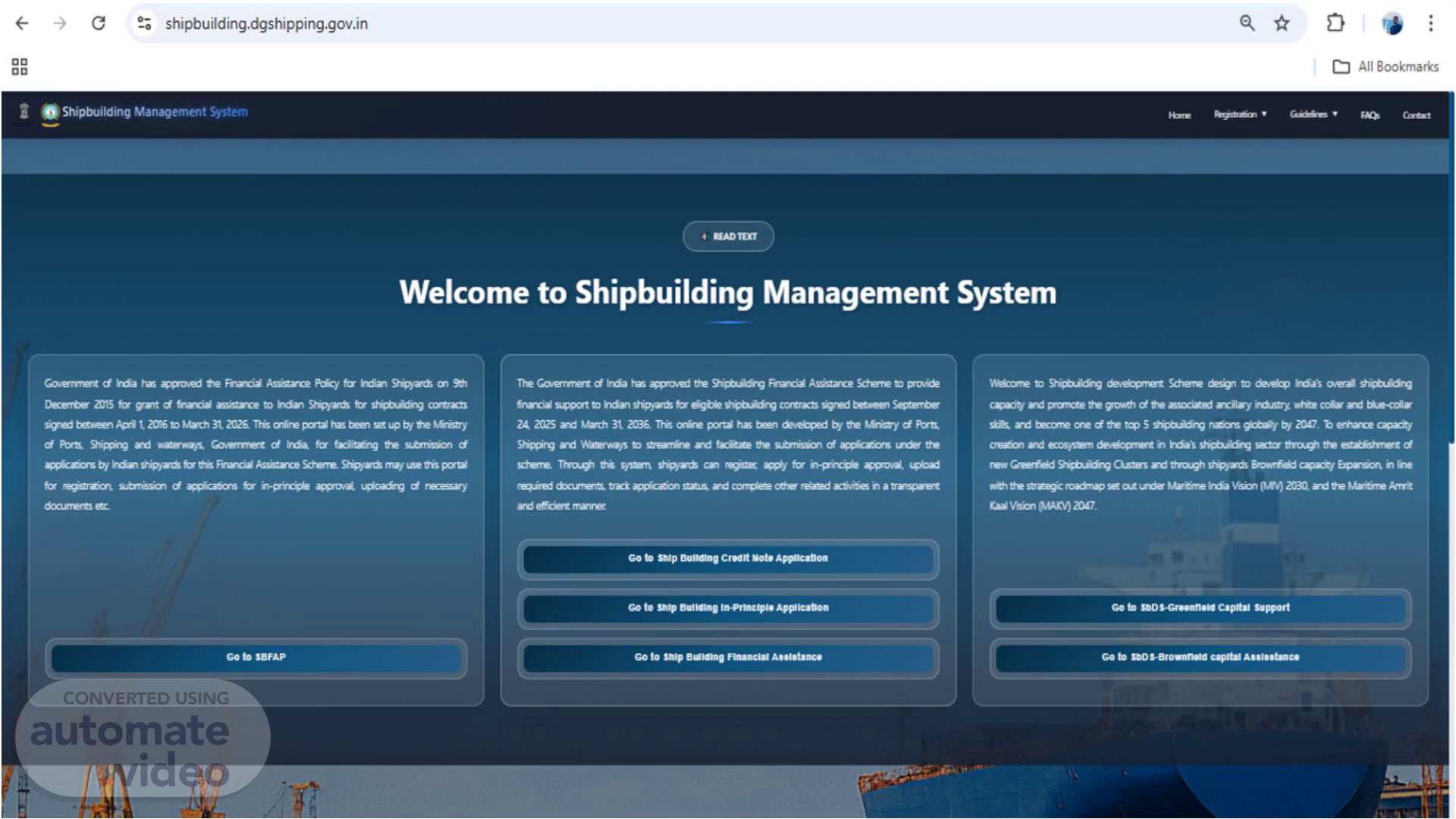


Scene 1 (0s)
[Audio] User needs to visit the website www.shipbuilding.dgshipping.gov.in.
Scene 2 (11s)
[Audio] User needs to click on "Go to SbDS – Brownfield Capital Assistance"..
Scene 3 (16s)
[Audio] User needs to enter the login credentials..
Scene 4 (21s)
[Audio] Post successfully logged-in, User can see the dashboard and available offerings, User needs to clink on "Brownfield In-Principle Application"..
Scene 5 (31s)
[Audio] User needs to fill-in the mandatory details such as Shipyard Name as per incorporation certificate, CIN, Date of Incorporation of Shipyard, Project Name, Select the type of Entity such as PSU, Private, LLP, Partnership and Joint Venture. Accordingly mention the Shipyard Registered Office address, State and District. Similarly Authorized Person details such as Name, Designation and Contact Number..
Scene 6 (1m 2s)
[Audio] User needs to fill-in the Operational Eligibility Details such as Date of Commencement of Shipyard Operation, Number of years of Operation and select the checkbox for as Shipyard must be operational for min period of 3 years. For Existing Shipyard Facilities - Shipyard must also hold at least three of the five categories of qualifying asset prior to submission of application. For Capital Assistance – Fill-in the Total Project Cost in INR, Total proposed project cost for capital assistance in INR, select the nature of Proposal i.e Capacity Expansion, Modernization, Productivity Improvement, Combination..
Scene 7 (1m 43s)
[Audio] Select the Type of Facility i.e New Facility, Upgradation, Replacement of enhancement..
Scene 8 (2m 5s)
[Audio] Select the list of items to be supported via Capital Assistance as part of this scheme..
Scene 9 (2m 18s)
[Audio] Make sure the Total Approved components and total proposed project cost should be equal..
Scene 10 (2m 32s)
[Audio] Under DPR and Technical Details – Select the Plan Start Date and Expected Completion Date. Also mention the Existing Capacity DWT and Capacity after expansion in DWT. Select the appropriate type of vessels targeted from the drop down. Mention the "Expected Employment Generation in no. of Man days". Fill-in the Funding Structure in terms of %..
Scene 11 (2m 59s)
[Audio] User needs to upload the required documents as per title..
Scene 12 (3m 37s)
[Audio] User needs to upload the required documents as per title and select the appropriate option for financials assistance related question..
Scene 13 (4m 0s)
[Audio] User needs to select the appropriate declaration answer..
Scene 14 (4m 46s)
[Audio] After selecting the appropriate declaration answer, User needs to accept the declaration and Submit the application..