Scene 1 (0s)
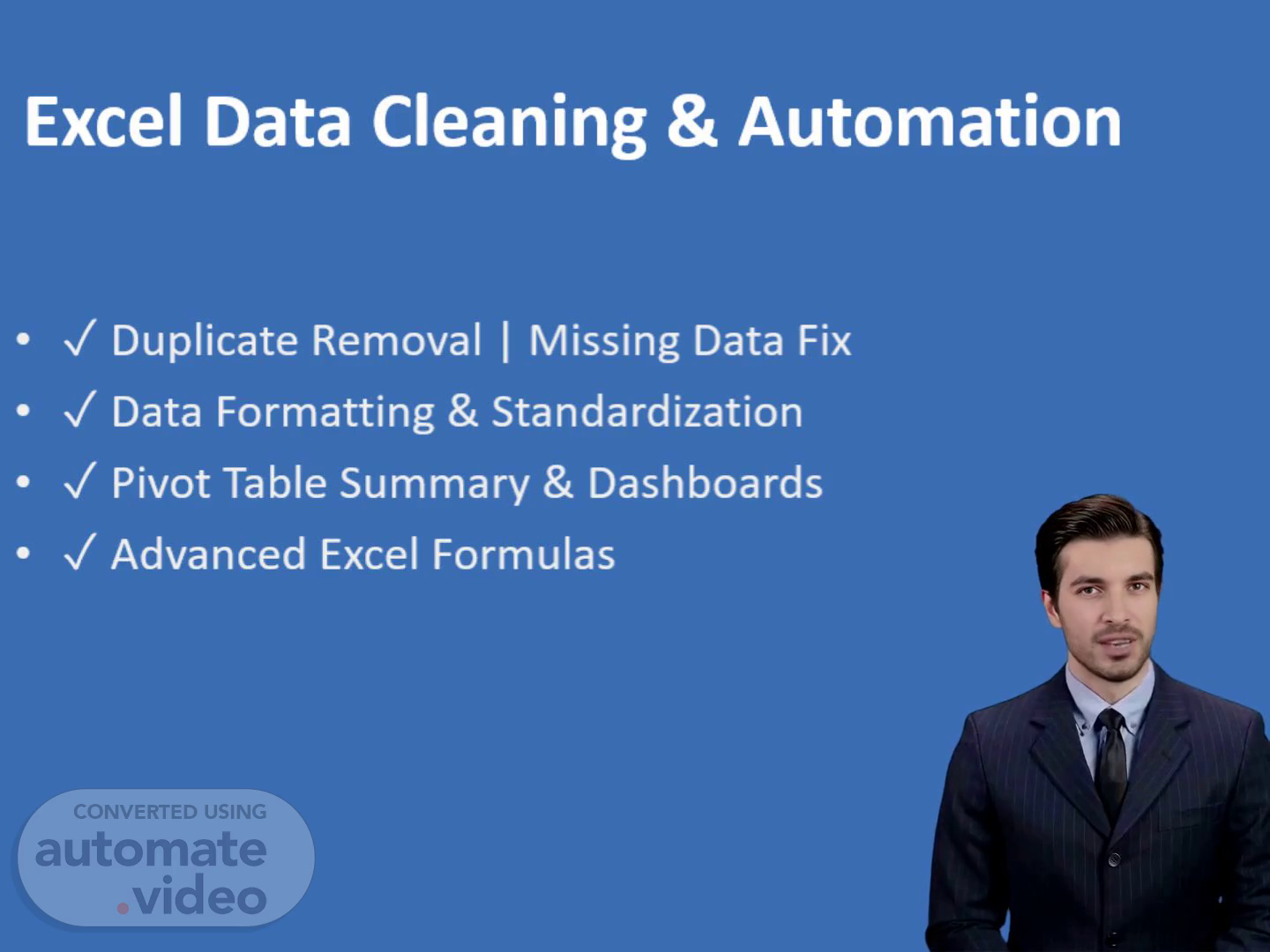
[Virtual Presenter] The Excel data cleaning process involves several steps that require attention to detail and careful planning. The first step is to remove duplicates from your dataset, which can be done by using the 'Remove Duplicates' feature in Excel. This feature allows you to select specific columns to exclude from the duplicate removal process. You can also use the 'AutoFilter' feature to automatically filter out duplicates based on a specified column. Another key aspect of data cleaning is handling missing data. Missing values can significantly impact the accuracy of your analysis, so it's essential to identify and replace them with suitable alternatives. One common approach is to use the 'IFERROR' function to handle errors and provide alternative values. Data formatting is another critical aspect of data cleaning. Proper formatting can help ensure that your data is consistent and accurate. For example, you can use the 'TEXT TO COLUMNS' feature to convert text data into separate columns. Additionally, you can use the 'DATE' function to format dates in a standardized way. Pivot tables are an excellent tool for summarizing large datasets. They allow you to easily summarize and analyze data by creating a dynamic summary table. To create a pivot table, you need to select a cell range that contains the data you want to summarize, then click on the 'PivotTable' button in the 'Insert' tab. From there, you can customize the layout and fields to suit your needs. Advanced formulas are also crucial in data cleaning. These formulas enable you to perform complex calculations and manipulations on your data. For instance, you can use the 'INDEX-MATCH' combination to look up values in a table. Another example is the 'VLOOKUP' formula, which allows you to search for a value in a table and return a corresponding value. By mastering these techniques, you can efficiently clean and prepare your data for analysis, unlocking new insights and opportunities for growth..
Scene 2 (2m 3s)
[Audio] The process of transforming unstructured, messy, and duplicate-filled data into a clean, formatted, and analysis-ready dataset requires careful planning and execution. To begin, one must identify the types of data that need to be cleaned and prioritize them based on importance. Next, one should select the appropriate tools and techniques for data cleaning, such as data validation rules, data normalization, and data deduplication. The chosen tools and techniques should be applied consistently throughout the entire data cleaning process. Consistency is key to achieving accurate results. Furthermore, using automated tools and scripts can significantly speed up the data cleaning process, allowing for faster turnaround times and increased productivity. Additionally, utilizing pivot tables can provide quick insights into the data, enabling users to create visually appealing and professional reports. By applying these strategies, individuals can efficiently transform their data from a messy state to a clean and organized format, ultimately unlocking the full potential of their data..
Scene 3 (3m 12s)
[Audio] We'll begin by understanding the data and requirements. This involves analyzing the data to determine the most effective cleaning and automation methods. It's essential to ensure that we're working with the right tools and techniques to achieve the desired outcome. Once we've understood the data and requirements, we can proceed with cleaning, formatting, and automating using advanced Excel. This may involve removing duplicates, fixing missing data, and standardizing data formats. Next, we'll generate Pivot Tables and insights, which will help us summarize and visualize the data. Finally, we'll deliver clean, ready-to-use files that meet the requirements. By following this workflow, we can ensure that our data is accurate, complete, and ready for use. We can then move forward with confidence, knowing that our data is in a reliable state..