Scene 1 (0s)
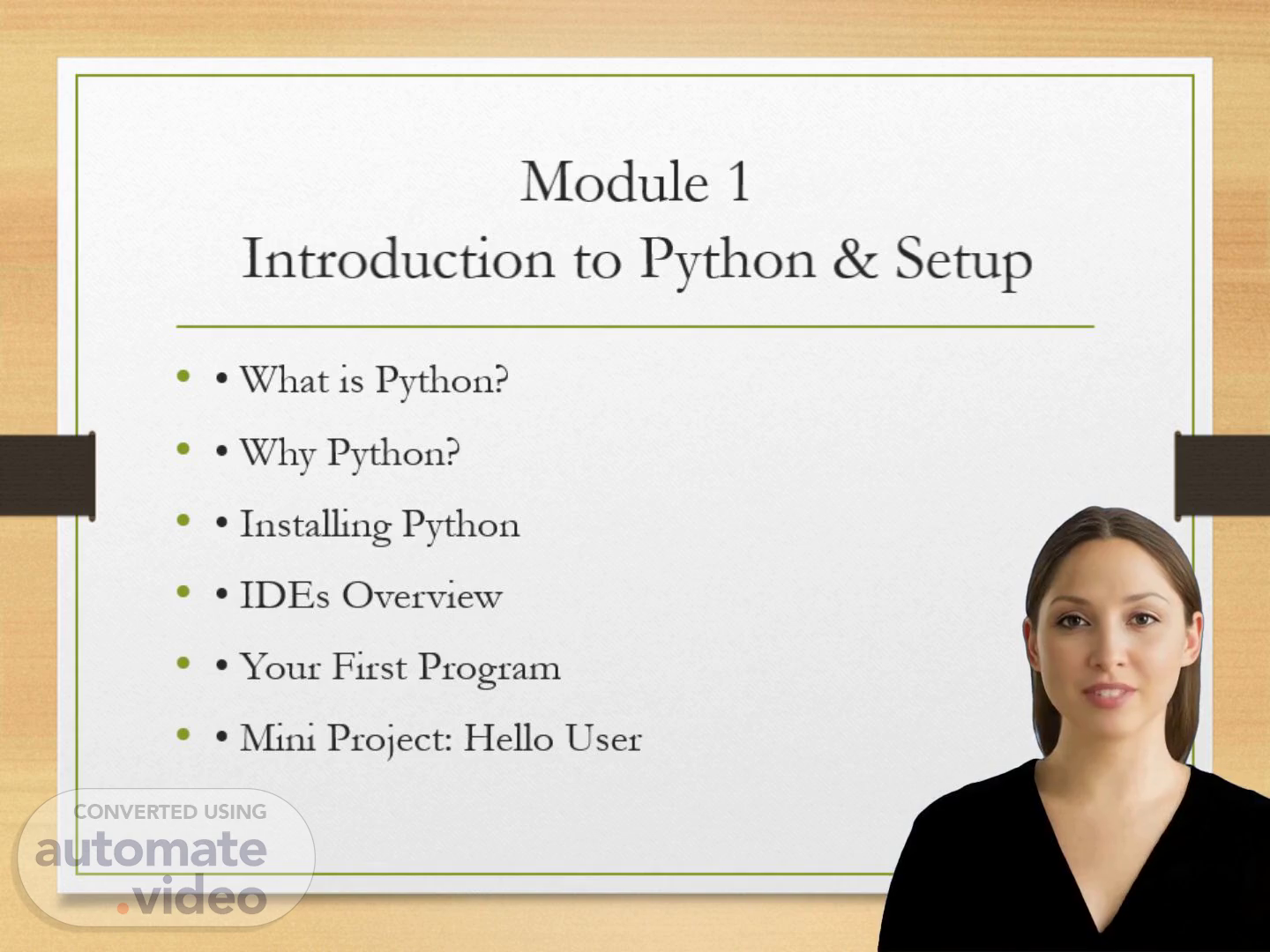
[Virtual Presenter] Module 1 Introduction to Python & Setup What is Python? Why Python? Installing Python IDEs Overview Your First Program Mini Project: Hello User.
Scene 2 (13s)
[Virtual Presenter] What is Python? High‑level programming language Easy to learn and read Used in web, data science, automation, A-I.
Scene 3 (26s)
[Virtual Presenter] Why Python? Beginner‑friendly Large community Extensive libraries Cross‑platform.
Scene 4 (35s)
[Virtual Presenter] Installing Python Windows: python.org installer Mac: Homebrew or python.org Linux: apt/yum package managers Verify using: python --version.
Scene 5 (52s)
[Virtual Presenter] Introduction to I-D-E-s VS Code: Lightweight and powerful PyCharm: Full‑featured for Python Jupyter: Great for data and notebooks.
Scene 6 (1m 4s)
[Virtual Presenter] Running Your First Python Program Use Python interpreter Write scripts in .py files Run using: python file.py.
Scene 7 (1m 15s)
[Audio] Mini Project — Hello User Create an interactive program: name = input('Enter your name: ') print(f'Hello !').