Scene 1 (0s)
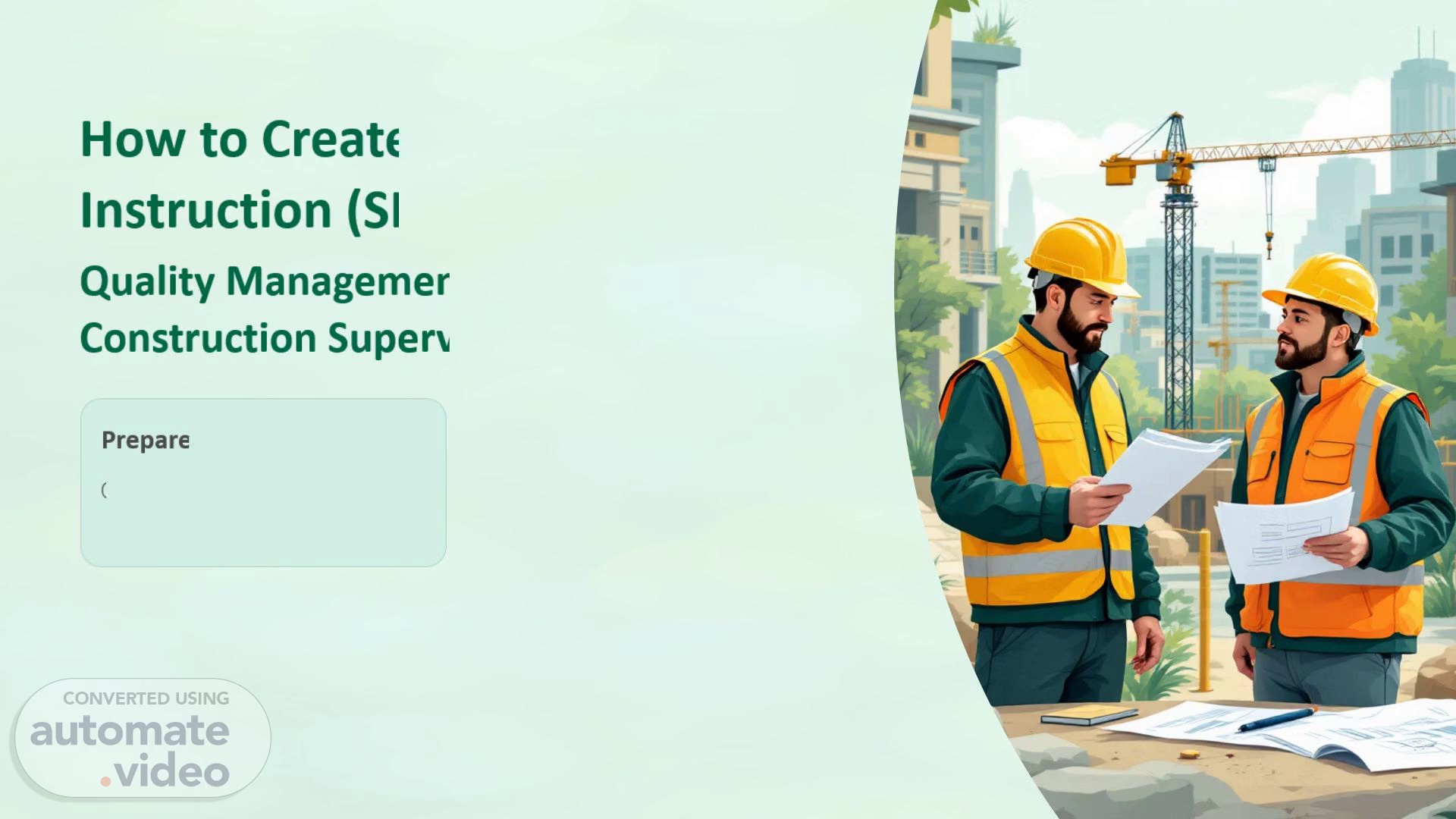
How to Create a New Site Instruction (SI). Quality Management Training – Construction Supervision.
Scene 2 (10s)
Objective. This training module is designed to guide all relevant personnel through the correct process of creating a Site Instruction (SI) within the quality management system..
Scene 3 (30s)
SI Form Overview. The Site Instruction form is structured into four key sections. Each section must be completed accurately to ensure a valid and traceable instruction..
Scene 4 (51s)
Step 1 & 2: Contractor & SI Information. These fields establish the tracking and linkage of the SI to the correct contract and project record. Accurate completion is essential..
Scene 5 (1m 16s)
Step 3 & 4: Discipline & Location. Step 3 – Select Trade / Discipline.
Scene 6 (1m 33s)
Step 5: Subject. The subject line should be a short and clear title that immediately communicates the nature of the site instruction. Avoid vague or generic descriptions..
Scene 7 (1m 53s)
Step 6: Instructions (Most Important). This is the most critical section of the SI form. The instructions must be precise, actionable, and fully referenced to avoid misinterpretation on site..
Scene 8 (2m 22s)
Step 7: Remarks. The Remarks section provides supplementary information that supports the main instruction. Use this field to communicate critical constraints and coordination requirements..
Scene 9 (2m 42s)
Step 8 & 9: Evidence & Upload. Photo Requirements.
Scene 10 (3m 2s)
Best Practices & Conclusion. Following these best practices ensures that every Site Instruction is effective, traceable, and contributes to overall project quality..