Scene 1 (0s)
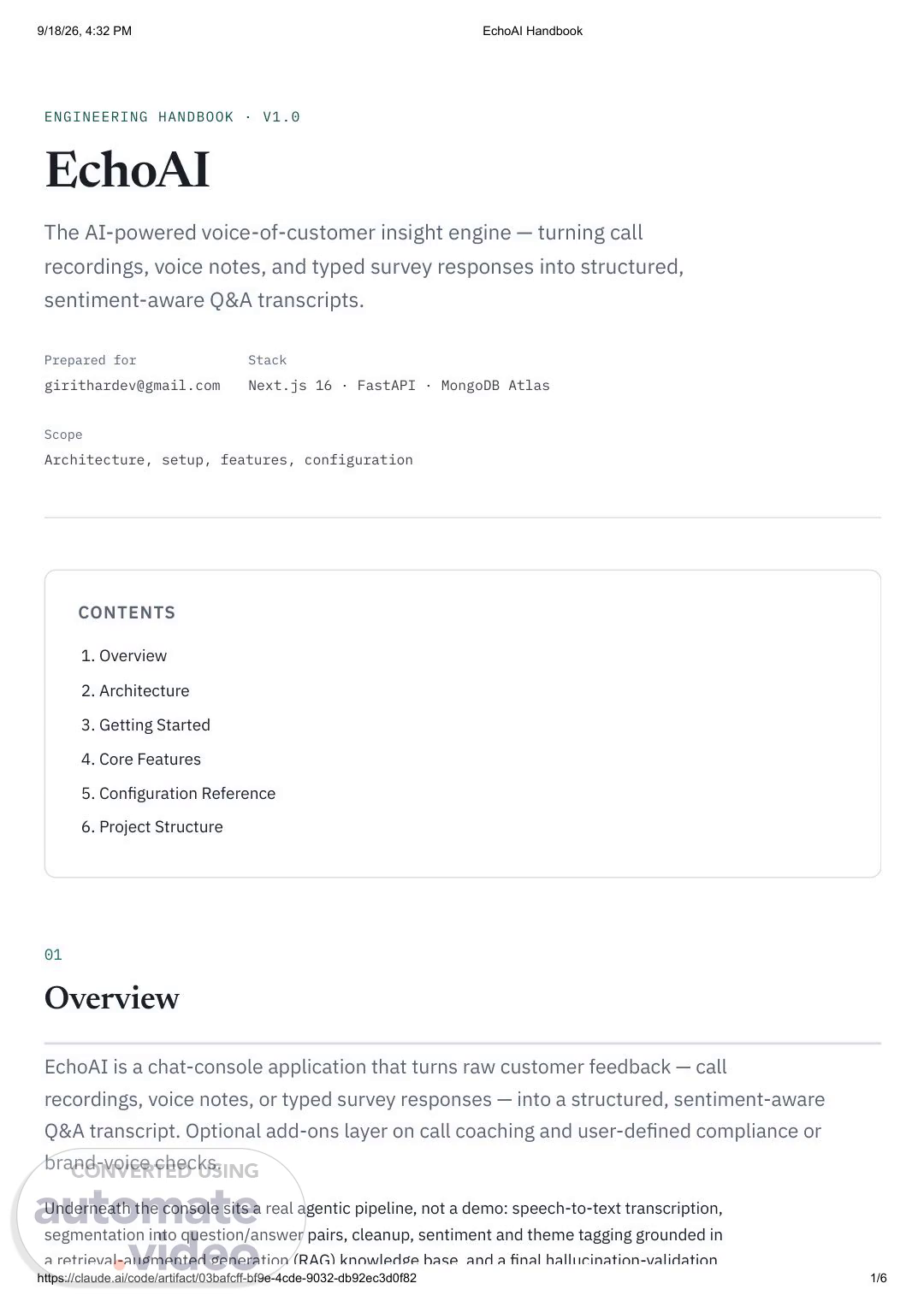
[Audio] 9/18/26, 4:32 PM EchoAI Handbook ENGINEERING HANDBOOK · V1.0 EchoAI The (A I ) powered voice of customer insight engine — turning call recordings, voice notes, and typed survey responses into structured, sentiment aware (Q&A) transcripts. Prepared for Stack [email protected] Next.js 16 · FastAPI · MongoDB Atlas Scope Architecture, setup, features, configuration CONTENTS 1. Overview 2. Architecture 3. Getting Started 4. Core Features 5. Configuration Reference 6. Project Structure 01 Overview EchoAI is a chat console application that turns raw customer feedback — call recordings, voice notes, or typed survey responses — into a structured, sentiment aware (Q&A) transcript. Optional add ons layer on call coaching and user defined compliance or brand voice checks. Underneath the console sits a real agentic pipeline, not a demo: speech to text transcription, segmentation into question/answer pairs, cleanup, sentiment and theme tagging grounded in a retrieval augmented generation (R-A-G--) knowledge base and a final hallucination validation claude 1/6.
Scene 2 (37s)
[Audio] 9/18/26, 4:32 PM EchoAI Handbook a retrieval augmented generation (R-A-G--) knowledge base, and a final hallucination validation pass. Every stage streams live progress back to the console as it runs. 02 Architecture The system is a two process application: a Next.js frontend that owns the chat console and dashboard, and a FastAPI backend that owns every piece of business logic. The frontend never talks to external services directly — each route under app/api/* is a thin proxy to the backend, which does the real work and is the only process holding A-P-I keys. request F-L-O-W Browser Next.js 16 frontend app/, components/, lib/ — thin A-P-I Chat console plus dashboard → → proxy FastAPI backend agent chain, R-A-G--, reports, keys backend depends ON MongoDB Atlas — persistence Chroma (local) — R-A-G grounding Ollama Cloud — L-L-M agent chain ElevenLabs / Deepgram / Whisper — speech to text Frontend Next.js 16 (App Router), React 19, Tailwind v4, and Zustand for client side chat and session state, persisted to localStorage . Backend FastAPI with MongoDB Atlas as the system of record for all persisted data, Chroma running locally and file based for R-A-G grounding, Ollama Cloud powering the L-L-M agent chain, and a pluggable speech to text layer across ElevenLabs, Deepgram, and OpenAI Whisper. 03 Getting Started claude 2/6.
Scene 3 (1m 23s)
[Audio] 9/18/26, 4:32 PM EchoAI Handbook Prerequisites Node.js 20 plus and npm Python 3.13 Network access to MongoDB Atlas and Ollama Cloud (both pre configured) 1. Backend setup cd backend python -m venv .venv ./.venv/Scripts/python.exe -m pip install -r requirements.txt # Windows # .venv/bin/pip install -r requirements.txt # macOS/Linux backend/.env already ships with a live ELEVENLABS_API_KEY and OLLAMA_API_KEY carried over from the original EchoAI project, so the backend is testable end to end out of the box. See the Configuration Reference for adding Deepgram or Whisper, or pointing at different Ollama models — backend/.env.example documents every variable. One time step: seed the R-A-G knowledge base with the starter glossary and coaching tip documents that the sentiment and coaching agents ground themselves against. ./.venv/Scripts/python.exe -m scripts.seed_knowledge_base 2. Frontend setup npm install .env.local should point at the backend (already set up for local dev): Backend_url=0 Backend_api_token= Running it Two processes, each from its own directory: # Terminal 1 — backend, port 8000 cd backend ./.venv/Scripts/python.exe -m uvicorn app:app --reload --port 8000 # Terminal 2 — frontend, port 3000 npm run dev claude 3/6.
Scene 4 (1m 44s)
[Audio] 9/18/26, 4:32 PM EchoAI Handbook Open localhost:3000. 04 Core Features Starting a new analysis Clicking New analysis in the sidebar first asks who the feedback is with — name, email or phone, and company, all optional and skippable. Linking a customer lets the dashboard track their sentiment across multiple interactions over time. The composer then offers three ways to feed in feedback: the paperclip to attach an audio or video call recording, the mic to record a voice note directly in the browser, or the clipboard icon to type one or more survey question/answer pairs with no audio at all. Once sent, a live progress indicator streams stage by stage updates — transcribing, segmenting, tagging, validating, whatever is actually running — until a structured (Q&A) transcript appears. Each answer carries its sentiment, theme, confidence, and a clickable timestamp that seeks the attached player. Add ons Toggled in the sidebar before sending; each applies to the next analysis. Sentiment analysis — tags each answer positive neutral negative plus a short theme, grounded against the R-A-G knowledge base. Excel report — generates a real multi sheet .xlsx (Q&A, Summary, Meta, and one sheet per active add on) as a downloadable card in the chat. Call coaching — for calls with a rep and a customer: rep talk time ratio, whether the call closed with a clear next step, and flagged moments such as unaddressed objections, missed buying signals, or closed/leading questions, each with a suggested better line. Custom checks Under Custom checks in the sidebar, write or upload a markdown rubric — a compliance checklist, a brand voice guide, anything every call should be checked against. It gets its own toggle alongside the built in add ons, and any flags surface as their own card in the chat with the exact quote and a jump to timestamp. Clicking a check's name, or its pencil icon, edits it in place. Dashboard The Dashboard link gives the aggregate view across everything analyzed: claude 4/6.
Scene 5 (2m 43s)
[Audio] 9/18/26, 4:32 PM EchoAI Handbook KPIs — sessions, (Q&A) pairs extracted, average confidence, flagged by validator count, and source mix. Sentiment trend over time with a projected direction; clicking any day opens the exact exchanges. Top customer themes, sentiment split, call coaching rollup, and custom check violation counts — every chart clicks through to the underlying records. Customers — everyone linked via the identity gate, with a trend arrow and an At risk badge when their last two interactions trended negative. Recent sessions table — per row C-S-V export, full multi sheet Excel export, and delete (typing delete to confirm cascades to that session's (Q&A) pairs, uploaded file, and report). A date range filter — 7 / 30 / 90 days / all time — at the top scopes everything below it. 05 Configuration Reference All variables live in backend/.env ; the full list with defaults is documented in backend/.env.example . variable purpose STT_PROVIDER elevenlabs | deepgram | whisper — which speech to text service to use. ELEVENLABS_API_KEY Key for whichever STT_PROVIDER is selected — only one is required. deepgram_api_key openai_api_key OLLAMA_HOST Ollama Cloud connection details and the default model for the agent chain. OLLAMA_API_KEY OLLAMA_MODEL Optional per agent stage model overrides; each OLLAMA_MODEL_SEGMENTER / _CLEANER / _SENTIMENT / _VALIDATOR / _COACHING / _CUSTOM_CHECK falls back to OLLAMA_MODEL when left blank. mongodb_uri Where sessions, (Q&A) pairs, custom checks, and uploads are stored. mongodb_db api_token Optional shared secret between frontend and backend; leave blank for local dev. Switching STT_PROVIDER to a provider without a configured key fails the backend with a clear "…API_KEY is not configured" error rather than silently returning fake data. 06 claude 5/6.
Scene 6 (3m 7s)
[Audio] 9/18/26, 4:32 PM EchoAI Handbook Project Structure Top level: EchoAIV2/ app/, components/, lib/ Next.js 16 (App Router) frontend — the chat console plus dashboard backend/ FastAPI backend — transcription, agent chain, R-A-G--, reports EchoAI_Obsidian_Secondary_Memory/ Obsidian vault, reserved for a future review/correction workflow Inside backend/ : backend/ app.py FastAPI routes agents/chain/ the agent pipeline — segmenter, cleaner, sentiment_theme, validator, coaching, custom_check, pipeline.py orchestrates plus streams agents/forecast.py dashboard trend/aggregation logic rag/retriever.py Chroma backed grounding for sentiment/coaching/custom checks transcription/ STT provider clients (elevenlabs, deepgram, whisper) plus router reports/excel_generator.py schemas.py all Mongo document shapes uploads/, reports_out/, chroma_data/ local data (gitignored) EchoAI Handbook Source: readme.md claude 6/6.